Sorts the whole shoot
Finds each room and the angles that belong together.
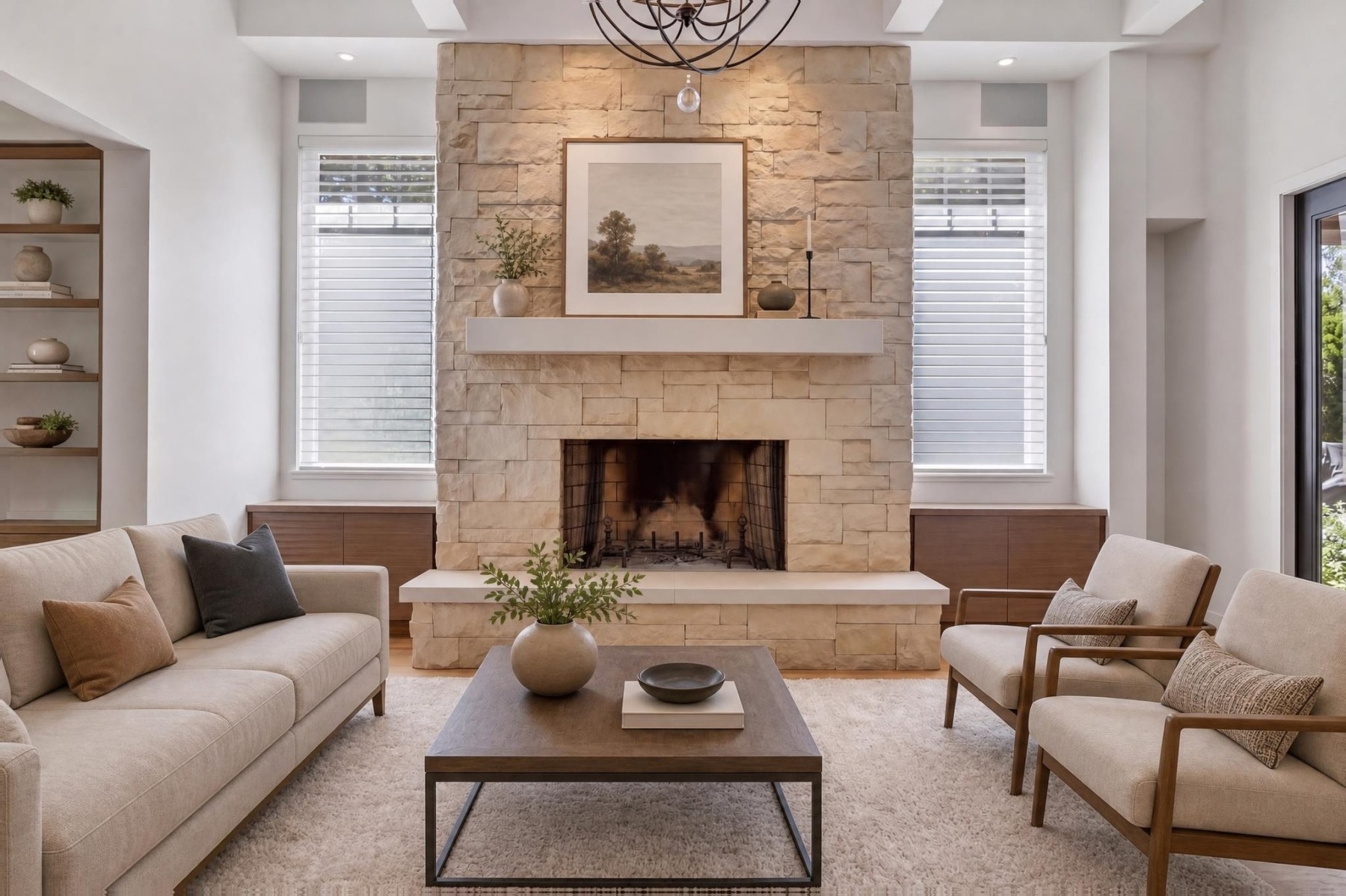
Choose the look on your main room and every other room is staged to match, at full photo size, with the walls, windows and doors left where they are.
Built for listing agents, real estate photographers and their teams
Inside Scene Engine
Finds each room and the angles that belong together.
Choose one or ask for changes. Nine included per photo.
Walls, windows and doors are compared with your photo.
One listing, one look
Drop in every photo. We sort them into rooms, group the angles of each room, and pick the ones worth staging.
Your main room comes back in three designs. The one you choose sets the style for the whole listing.
The other rooms are staged in that look. Second angles of a room get the same furniture.
Full-size JPEGs, MLS-size and labelled copies, and your originals, named to sit side by side.
Listing-photo fidelity
Every design is checked against your photo. If a wall, window or door moved, we make another, and anything we’re unsure of is flagged for you to look at.
Real Stage That Room output Original
 Staged
 ✦ 1 staged
 ✦ 2 staged
Your staging workspace
Start with a listing. Its photos, designs and finished files stay together, ready whenever you need them.
Straight answers
Clear expectations about photos, credits, file sizes and disclosure.
Visit supportIt shouldn't, and we check. Every design is compared with your photo: if a wall, window or door moved, we make another, and anything we're unsure of is flagged so you can look closely. Flip between each design and the original before you publish.
The whole shoot. We sort the photos into rooms and skip bathrooms, hallways and exteriors for you. Sharp, well-lit, level photos work best. Rooms with furniture can be restaged: the old furniture is replaced.
One listing with up to three of your own photos and three rounds of designs, watermarked. No card needed.
One credit stages one photo. It covers three designs to start, up to nine in total, and the full-size files for the one you choose. Uploading, sorting rooms and reviewing are free, and a round that fails returns its credit automatically.
The same size as your original photo. Walls, floors and windows keep your photo's own detail; the furniture is generated at about 2,300 pixels wide and enlarged to fit. You also get a 2048-pixel MLS copy, a copy labelled “Virtually staged”, and your original with a matching file name.
They're grouped as one room. The first angle is designed, then the other angles are staged with the same furniture, so buyers see one consistent home.
Yes. B.C.'s regulator expects altered photos, including virtual staging, to be clearly identified. Every download includes labelled copies, your originals and disclosure text you can paste into the listing. Some MLS systems don't allow text on photos, so the MLS copies are unlabelled.
Ready when you are